
Close Audit Month
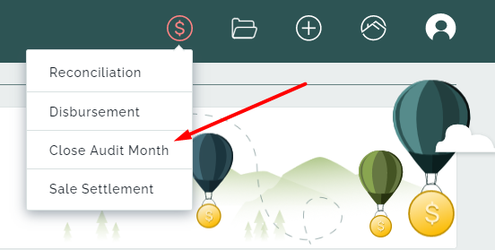
Close Audit Month will do the Monthly Close process. It closes the accounting period for the month and starts the new one. This resets the Cashbook and allows us to check if our internal system balances match the bank balance.
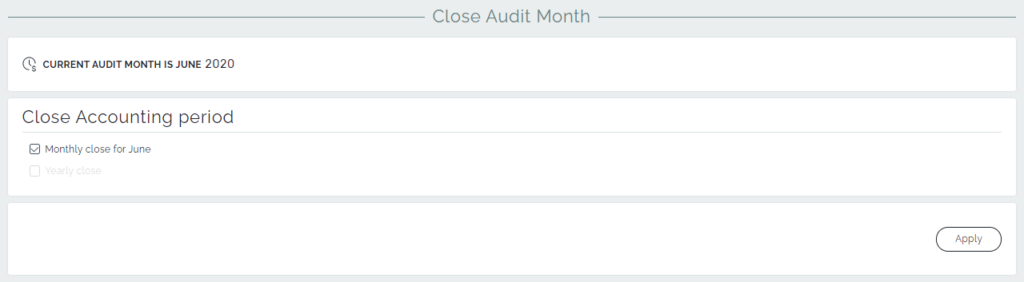
From the page, you can select the appropriate options to close an accounting period, such as Monthly Close or Yearly Close.
When you do Monthly Close, the transactions and balances get locked in for that month. You can still enter transactions/payments for earlier dates, however, they will only effect the current month’s ledgers instead. So, the previous month’s reports will not change. Similarly, the financial year gets locked in using Yearly Close option.

If you forget to do the Monthly Close, you’ll get a notification with the information that you need to close your accounting period for the previous month.