Payments
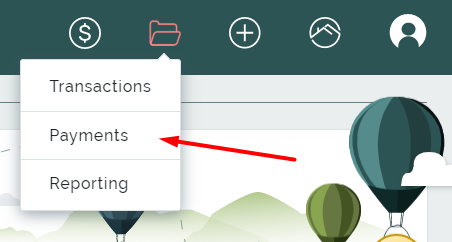
With the Payments page you can view and control the situation of the pending payments in the system. This page shows all the payments that are generated via Add Payments page. You can see when the payments were created, transfer parties and the amount of money sent, and modify or even delete them.
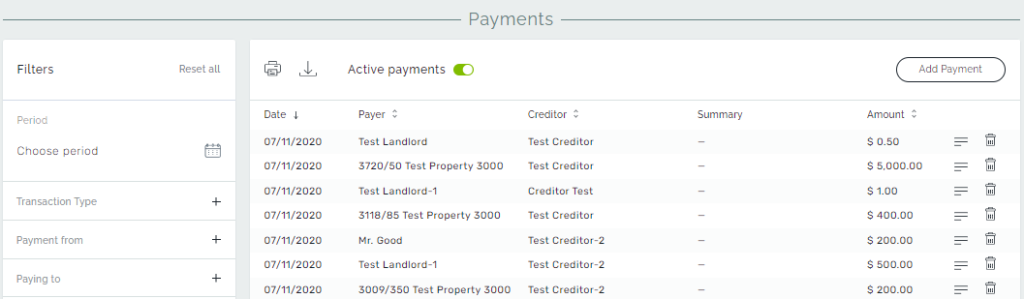
Payments page displays the list of active payment transactions that haven’t processed by the bank yet. And there is the list of inactive payment transactions that are processed and disbursed to creditors. This list can be switched by toggling the Active/Inactive payments button.
Also, you can add new payments right from this page by clicking the Add Payment button.
Filtering in Payments
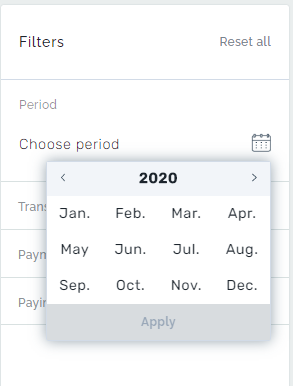
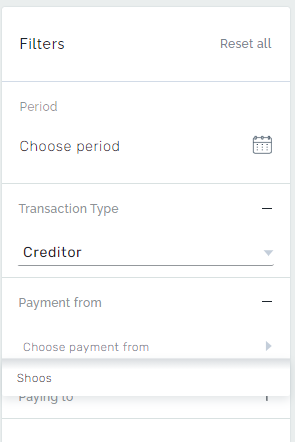
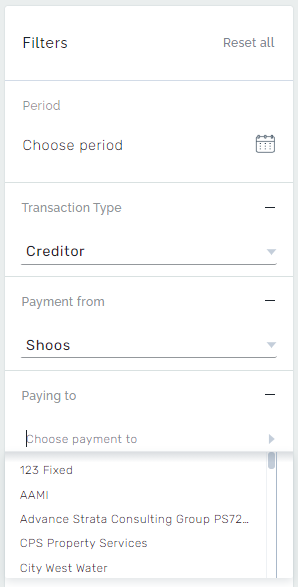
Payments can be filtered for a month, for a specific transaction type, and creditor and can be sorted by a date range.